
Internet Health Test: How to Check If Your Connection Is Really Healthy
Posted on13 October 2026
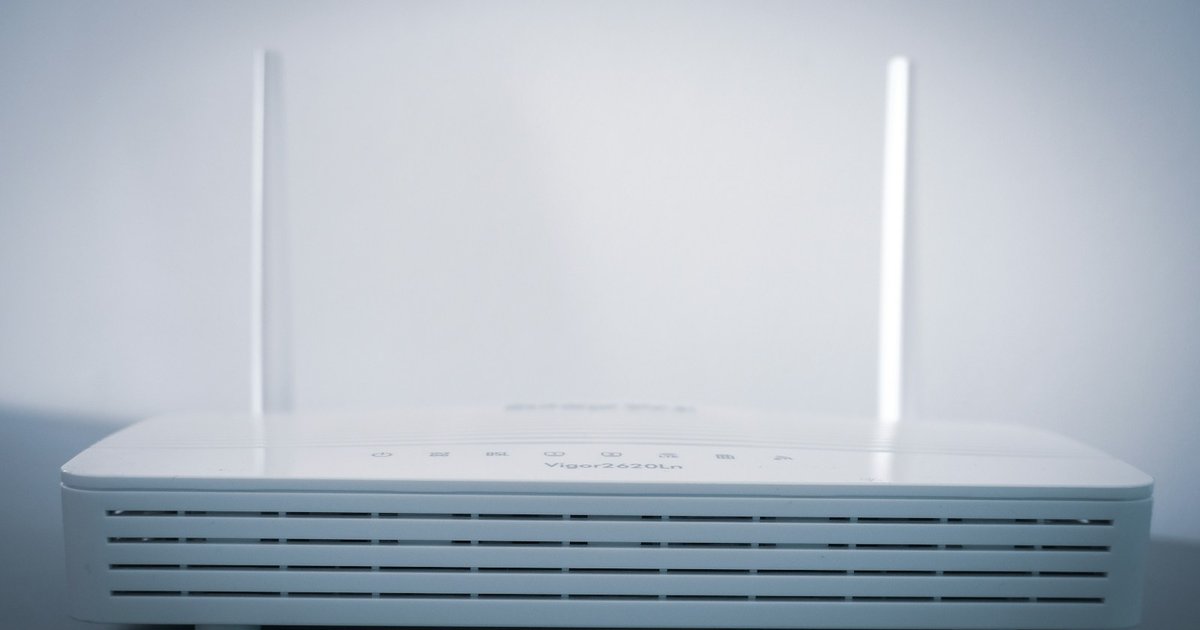
Photo by Compare Fibre on Unsplash
Short answer: An internet health test checks more than speed. It looks at five numbers: download speed, upload speed, ping, jitter and packet loss. Run it next to your router, then again in the room and at the hour where things go wrong. A healthy connection gives close to the speed you pay for, with a low, steady ping.

What is an internet health test?
An internet health test is a short check that tells you whether your connection is working the way it should. A plain speed test gives you one or two big numbers. A health test also looks at how steady the connection is, because a fast line that stutters still ruins a video call.
The name has a history. In May 2015 three campaign groups launched a tool called the Internet Health Test on the Battle for the Net website. It ran several speed measurements in a row to see whether internet providers were slowing traffic at the points where networks meet. You can still read the original announcement from Free Press. Within weeks about 300,000 people had run it, and the research group Measurement Lab reported what the data showed: slower downloads, longer delays and more lost data at busy hours on some routes.
That original page no longer loads. If you came looking for it, the closest thing today is Measurement Lab's own free test, which is covered below. The idea behind it still holds: do not only ask "how fast?", ask "how healthy?".
The five numbers an internet health test checks
Every decent test reports most of these. Here is what each one means in everyday terms, and what the companies whose services you use say they need.
| Number | What it means | A healthy result | Sign of trouble |
|---|---|---|---|
| Download speed (Mbps) | How fast things arrive: video, web pages, app updates | Close to the speed on your bill. Netflix asks for 5 Mbps for Full HD and 15 Mbps for 4K | Less than half of what you pay for, next to the router |
| Upload speed (Mbps) | How fast things leave: your camera on a call, photo backups | Zoom asks for 3.8 Mbps up for a 1080p call | Your video freezes for others while theirs looks fine |
| Ping (ms) | The delay for a tiny message to go out and come back | Under 60 ms is the "optimal" mark Microsoft sets for calls | Above 500 ms, which Microsoft rates "poor" |
| Jitter (ms) | How much that delay jumps around from moment to moment | A few milliseconds | Above 30 ms: voices turn robotic |
| Packet loss (%) | Small pieces of data that never arrive | Under 0.5% on average | Sound cuts out, games jump or freeze |
The sources for those figures: Netflix's recommended speeds, Zoom's bandwidth requirements and Microsoft's network targets for calls. Microsoft's page is written for office networks, but the same thresholds describe what a call feels like at home.
For the big picture, the US regulator's definition of high-speed home broadband is 100 Mbps down and 20 Mbps up. The FCC raised it to that level in March 2024, up from 25 and 3. One film does not need 100 Mbps. A busy household with several screens and a video call will notice the difference.

How to run an internet health test on your phone
One test tells you very little. Three tests, taken the right way, tell you where the problem lives. The whole thing takes a few minutes.
- Pause the heavy stuff. Stop downloads, cloud backups and streaming on other devices for a few minutes. Turn off any VPN, because it adds its own delay.
- Stand next to the router and run the test. This is your baseline. It shows what your provider delivers before walls and distance get involved.
- Write down the numbers. Download, upload, ping and jitter. A screenshot works.
- Go to the room where things go wrong and run it again. If the numbers fall sharply here, the weak link is the WiFi inside your home, not the line coming in.
- Run it once more at the bad hour. For most homes that is the evening. If the baseline next to the router drops at 8 pm and recovers in the morning, the slowdown is outside your home.
- Switch to mobile data and run it one last time. This gives you a second, independent connection to compare against. A test uses real data, so skip this step on a small data plan.
You have three ways to run the test itself:
- In an app. On Android, DeviceGPT runs an internet speed test in one tap and shows download speed, upload speed, ping and jitter together. It also checks whether a WiFi sign-in page is sitting between you and the internet, which is the usual reason hotel and café WiFi looks connected but loads nothing. It is free and needs no root.
- In a browser, with Measurement Lab. Open speed.measurementlab.net. It measures download, upload and latency, and it is run by the same research group that powered the 2015 Internet Health Test. Your result joins a public data set that researchers use, and that data set includes your IP address, so read the notice before you start.
- In a browser, with Cloudflare. Open speed.cloudflare.com. It adds packet loss and a rating for streaming, gaming and video calls. Cloudflare explains how it scores them. The page warns that one run can use up to 200 MB of data, so use it on WiFi.
Use the same tool for all your runs. Different tools test against different servers, so their numbers are not directly comparable.
How to read your results
Match what you feel to the number that explains it.
| What you notice | Number to look at | Most likely cause | First thing to try |
|---|---|---|---|
| Everything is slow, in every room | Download next to the router is far below your plan | The line or the provider | Restart the router, then call the provider with your numbers |
| Fine near the router, bad in the bedroom | Download drops sharply between rooms | Weak WiFi signal | Move the router higher and more central, or add a mesh point |
| Video calls freeze, but films play fine | Upload is low, or jitter is high | Upload limit, or a crowded WiFi channel | Stop backups during calls, move closer to the router |
| Games lag even though speed is high | Ping is high, or jumps around | Distance to the game server, or WiFi interference | Use a cable, or the 5 GHz band |
| Good at noon, bad every evening | Baseline falls at the same hour each day | Congestion on the provider's side | Log a week of results and send them to the provider |
| "Connected" but nothing loads | Test will not start at all | A sign-in page, or no internet behind the WiFi | Open a browser and look for a login screen |
For that last row we have a separate step-by-step guide: WiFi connected but no internet on Android.

Is my internet provider slowing me down?
This is the question the original Internet Health Test was built to answer, and one test cannot answer it. A single slow result can be your WiFi, your phone, or a busy server at the other end.
A pattern is what counts. Run the test next to the router at the same three times each day for a week: morning, afternoon and evening. Keep the results. If the evening numbers are much worse on most days, and the mobile-data test at the same moment is fine, you have something concrete to show your provider.
Be careful with the popular "turn on a VPN and compare" trick. A VPN changes the route your data takes, so a different speed does not prove that anyone is slowing you down on purpose.
If your worry is less about speed and more about someone tampering with your connection, that is a different check. Our guide on how to tell whether your connection is being interfered with walks through it.
What to do if your connection fails the test
Start with the simple fixes. Google's own checklist for Android puts them in this order:
- Restart your phone.
- Turn WiFi off and mobile data on, see whether that works, then switch back.
- Turn airplane mode on, wait ten seconds, turn it off.
- Move closer to the router.
- Unplug the router, wait 30 seconds, plug it back in and give the lights time to return.
Then run the test again next to the router. If the baseline is still far below your plan, contact your provider. Give them numbers, not feelings: "I pay for 100 Mbps and I measured 22, 25 and 19 next to the router at 8 pm on three evenings" gets a different response from "my internet is slow".

Download speed, upload speed, ping and jitter in one test, plus a check for a WiFi sign-in page that is intercepting your connection. The same app checks battery health, the mic, the camera and the screen.
Install DeviceGPTSee what it does →Who built it
Teamz Lab is a product studio registered in the UK and run by engineers from Bangladesh. We design and build mobile apps and web products for companies in Bangladesh, the UK and the Nordics, and we ship apps of our own, DeviceGPT among them, so that what we learn reaches client work.
Tell us what you are planning and how far along it is.
Talk to Teamz LabFAQ
What happened to the Internet Health Test from Battle for the Net? It launched in May 2015 to check whether providers were slowing traffic, and about 300,000 people ran it in its first weeks. The original page no longer loads. Measurement Lab, the research group whose measurement tool it used, still offers a free test at speed.measurementlab.net.
What is the difference between a speed test and an internet health test? A speed test reports how much data moves per second. A health test also checks how steady the connection is: the delay (ping), how much that delay varies (jitter) and how much data goes missing (packet loss). A line can be fast and still unhealthy.
What is a good ping and jitter? For calls, Microsoft treats a round trip under 60 ms as optimal and above 500 ms as poor. For jitter it marks above 30 ms as poor. In plain terms: the lower and steadier, the smoother your calls and games feel.
How much internet speed do I need? For one screen, not much: Netflix recommends 5 Mbps for Full HD and 15 Mbps for 4K, and Zoom asks for about 3 to 4 Mbps for a 1080p call. Add up what your household does at the same time. The FCC's current benchmark for high-speed home broadband is 100 Mbps down and 20 Mbps up.
Why is my speed test fast but my internet still feels slow? Speed is only one of the five numbers. High jitter or packet loss makes calls and games stutter even on a fast line, and weak WiFi in one room can hide behind a good result taken near the router. Test in the room and at the hour where the problem shows up.